Enterprise-grade security
The secure way to put AI to work on your data
Encrypted everywhere, isolated by design, and never trained on your data — built on Google Cloud with enterprise authentication.
Free forever · No credit card required · Paid plans from $23.99/month
Trust & compliance
Built on standards you recognize
Google Cloud
Enterprise infrastructure
AES-256 + TLS
Encrypted everywhere
GDPR & CCPA
Privacy-first practices
PCI-DSS
Payments via Stripe
SSO / SAML
Enterprise identity
2FA
Optional two-factor auth
Password security
Bcrypt + lockout protection
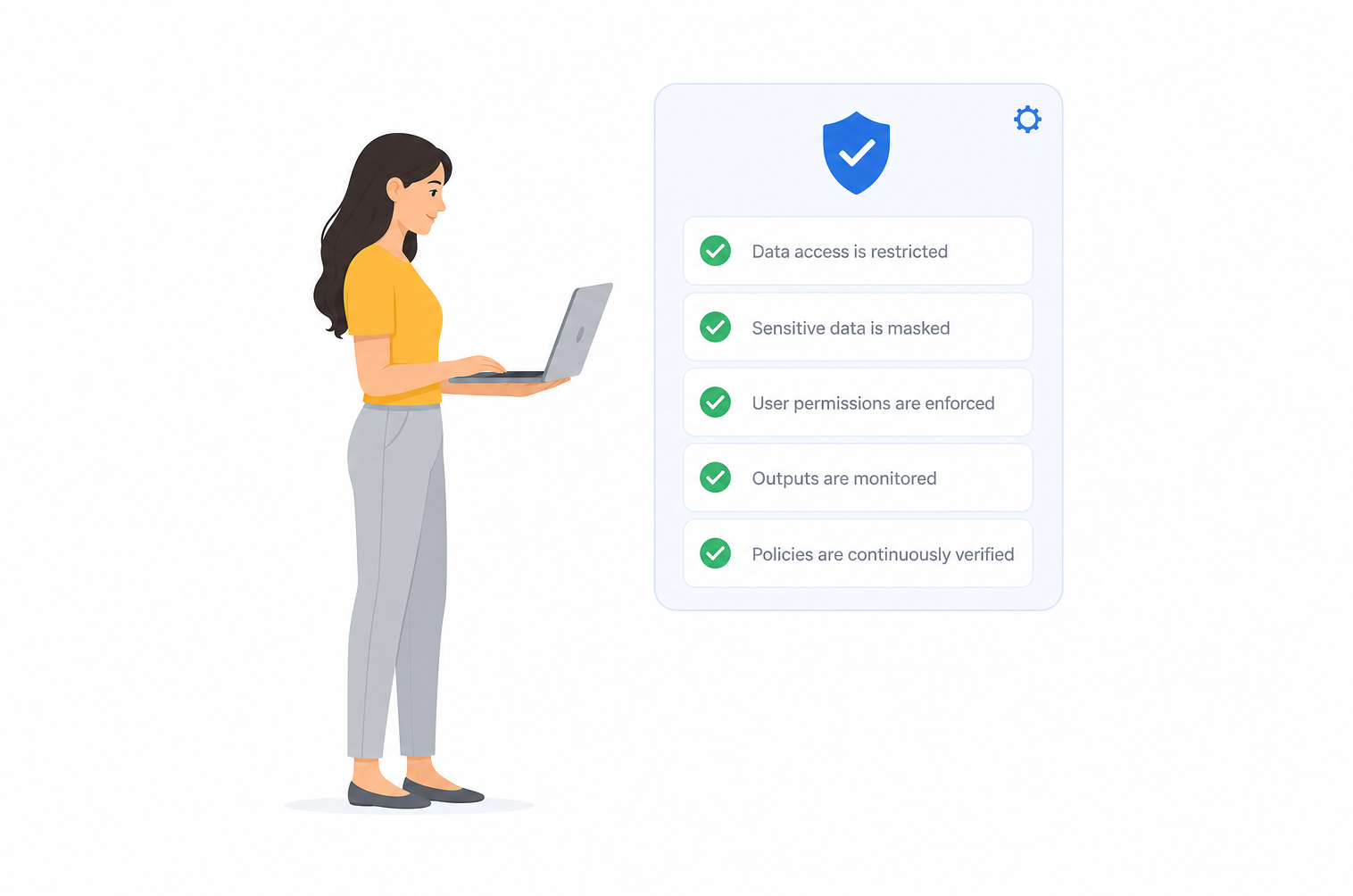
Every analysis runs inside guardrails
From the moment you click Run, each step is authenticated, scoped to your workspace, and logged — including every AI call.
Isolated on every query.
Tenant isolation is enforced at the application and database layer — your datasets and results are never visible to another customer.
AI that never learns from you.
AI generates insights from your data but never trains on it — enforced through enterprise API terms with our model providers.
You own the results.
Dashboards, reports, and caches belong to your account — export them anytime or delete them for good.
Defense in depth,
on by default
There is no security settings page to get wrong — encryption, isolation, and data-use policies are enforced platform-wide for every customer.
Encrypted everywhere - AES-256 at rest on Google Cloud, TLS in transit on every hop — browser, database, connector, and AI call.
Cards never touch us - Stripe — a PCI-DSS Level 1 provider — handles every payment. Card details never reach Xpherium servers.
Your data, on your terms - Export anytime, delete on request, never sold or shared — aligned with GDPR and CCPA.

Authentication your IT team expects
From solo founders to enterprise rollouts — the same secure front door, with stronger controls as you scale.
Hardened password security.
Bcrypt hashing, brute-force lockout after repeated failures, and HttpOnly session cookies against XSS token theft.
Two-factor authentication.
Optional TOTP 2FA adds a second step at sign-in — codes from your authenticator app, not SMS.
SSO / SAML for Enterprise.
Bring your identity provider — Okta, Azure AD, Google Workspace — with SAML and OIDC single sign-on.
Security questions, answered.
What security measures does Xpherium implement to protect my data?
Xpherium encrypts all data in transit with TLS and at rest with AES-256, runs on Google Cloud infrastructure, isolates every customer workspace at the application and database layer, and enforces password security, optional 2FA, and Enterprise SSO/SAML. Payments are handled entirely by Stripe, a PCI-DSS Level 1 provider.
Does Xpherium use my data to train AI models?
No. Your datasets, documents, and questions are never used to train our AI models or any third party's models. We work with commercial AI providers under enterprise API terms that prohibit training on customer content.
Where is my data stored?
Your data is stored on Google Cloud infrastructure in the United States, encrypted at rest with AES-256. Google Cloud data centers maintain SOC 2, ISO 27001, and ISO 27017 certifications.
Can Xpherium modify data in my connected database?
We recommend connecting with a read-only database user. Intelligence Navigator's SQL connectors are built for analysis — querying your data in place rather than copying it out.
Do you support SSO, SAML, and two-factor authentication?
Yes. Intelligence Navigator supports secure password authentication with bcrypt hashing and brute-force lockout, optional TOTP two-factor authentication, and Enterprise SSO via SAML/OIDC for larger teams.
Can I export or delete my data?
Yes. Export your data anytime, delete individual files or datasets from within the app, or request complete account deletion.
How do I report a security vulnerability?
Report vulnerabilities via our security.txt at xpherium.com/.well-known/security.txt. We take responsible disclosure seriously.
Security researchers: security.txt · System status
Have a security question we didn't answer?
Our team can walk through our architecture, data handling, and security program — or complete your vendor security questionnaire.